Heart Drop - Match up pairs1.3
Publisher Description
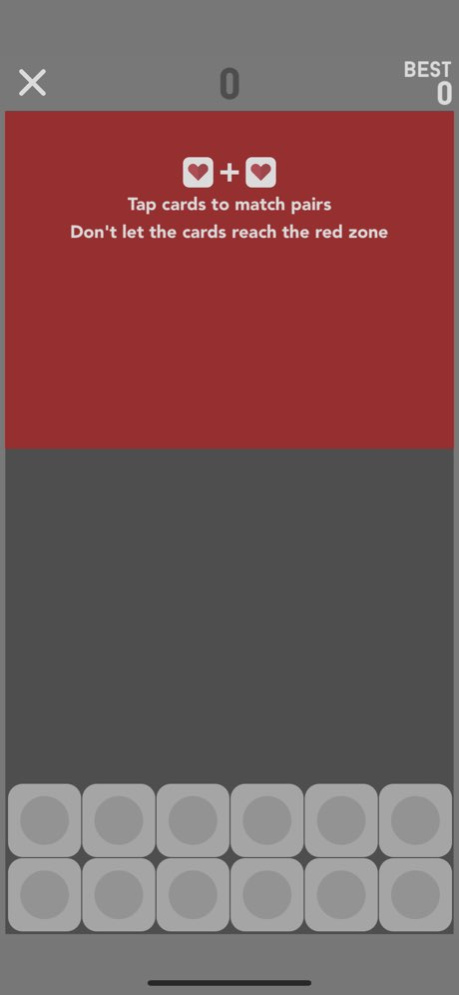
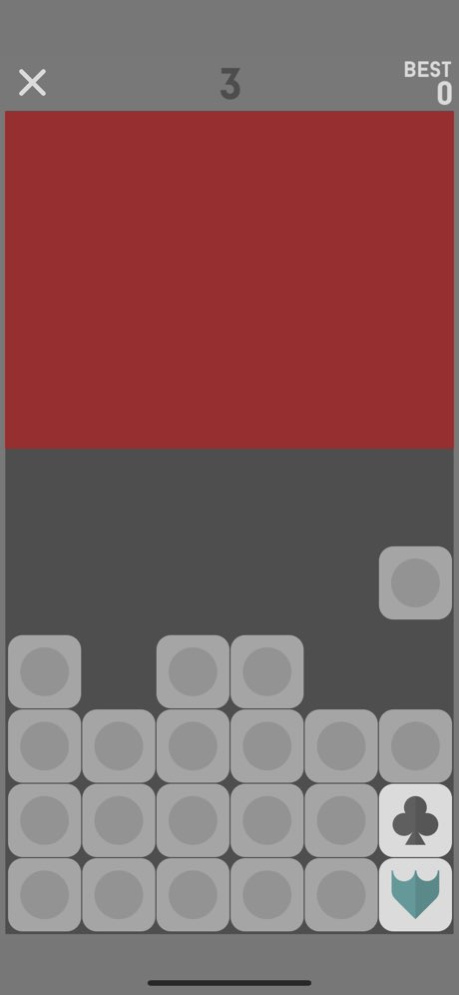
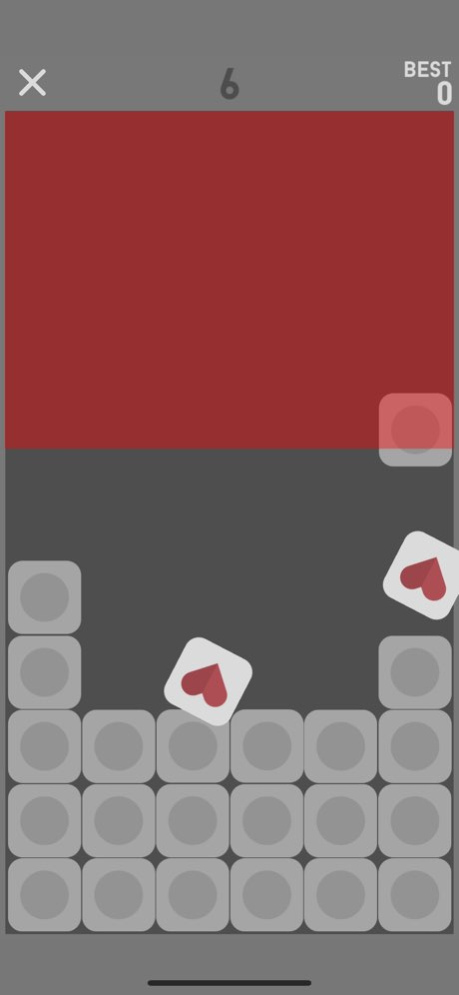
Test your memory capacity in two different game modes:
Normal mode, where a new card falls down after each match attempt
Speed mode where cards keep on falling faster and faster
HEART DROP:
- Addictive and challenging gameplay
- 2 Game modes!
- Completely FREE to play, ads removable by in-app purchase
- Full Game Center integration
- Challenge friends to beat your high score
Visit us darksquaregames.com
Follow us twitter.com/DarkSquareGames
Like us facebook.com/darksquaregames
Designed by Elliott Thurman-Newell
Developed by Dark Square Games
Version History Fixed an issue with the close button 1.3 11/20/2019 - iOS13 fixes
- close button for quitting the game earlier
- Fixed a situation where a single card remained 1.2 11/17/2019 Bug fixes and improvements. 1.1.7 10/13/2018 Bug fixes with sharing screenshots 1.0.6 04/11/2018 iPhone X and iOS11 update 1.0.5 02/19/2018 Updated to work with the newest iOS 1.1.4 08/24/2017 Optimised the difficulty and image sizes 1.1.3 02/25/2016 iOS9 update 1.1.2 11/25/2015 Difficulty optimisations 1.1.1 09/22/2015 Memory Falls is now called Heart Drop! Drop us a line to suggest new features :-). Thank you for playing! 1.1 08/15/2015 1.0 06/19/2015
About Heart Drop - Match up pairs
The company that develops Heart Drop - Match up pairs is Oval Software Oy. The latest version released by its developer is 1.3.
To install Heart Drop - Match up pairs on your iOS device, just click the green Continue To App button above to start the installation process. The app is listed on our website since 2026-10-14 and was downloaded 0 times. We have already checked if the download link is safe, however for your own protection we recommend that you scan the downloaded app with your antivirus. Your antivirus may detect the Heart Drop - Match up pairs as malware if the download link is broken.
How to install Heart Drop - Match up pairs on your iOS device:
- Click on the Continue To App button on our website. This will redirect you to the App Store.
- Once the Heart Drop - Match up pairs is shown in the iTunes listing of your iOS device, you can start its download and installation. Tap on the GET button to the right of the app to start downloading it.
- If you are not logged-in the iOS appstore app, you'll be prompted for your your Apple ID and/or password.
- After Heart Drop - Match up pairs is downloaded, you'll see an INSTALL button to the right. Tap on it to start the actual installation of the iOS app.
- Once installation is finished you can tap on the OPEN button to start it. Its icon will also be added to your device home screen.
Program Details
System requirements
Download information
Pricing
Version History
version 1.3
posted on 2026-10-14
Version History Fixed an issue with the close button 1.3 11/20/2019 - iOS13 fixes
- close button for quitting the game earlier
- Fixed a situation where a single card remained 1.2 11/17/2019 Bug fixes and improvements. 1.1.7 10/13/2018 Bug fixes with sharing screenshots 1.0.6 04/11/2018 iPhone X and iOS11 update 1.0.5 02/19/2018 Updated to work with the newest iOS 1.1.4 08/24/2017 Optimised the difficulty and image sizes 1.1.3 02/25/2016 iOS9 update 1.1.2 11/25/2015 Difficulty optimisations 1.1.1 09/22/2015 Memory Falls is now called Heart Drop! Drop us a line to suggest new features :-). Thank you for playing! 1.1 08/15/2015 1.0 06/19/2015
version 1.3
posted on 2019-11-20
Fixed an issue with the close button
